Set Up a Free Local AI Coding Assistant with Ollama
A step-by-step guide to replacing paid AI coding subscriptions with a locally-run open-source model for cost-free, private code assistance.
Practical Summary
This workflow explains how developers can avoid recurring API costs by using Ollama to run powerful open-source coding models like DeepSeek Coder or Code Llama directly on their local machine.
Why It Matters
For developers and small teams, this setup eliminates monthly subscription fees for AI coding assistants, reduces data privacy concerns by keeping code local, and removes API rate-limit worries, making advanced AI assistance more accessible and sustainable.
How to Set Up a Free Local AI Coding Workflow
Instead of paying for cloud-based AI coding services, you can run a capable coding model locally using Ollama. This tutorial walks through the setup and use of a local AI assistant for tasks like code explanation, refactoring, and test generation.
Step 1: Install Ollama
Visit the official Ollama website and download the installer for your operating system (macOS, Linux, or Windows). Run the installer and follow the on-screen instructions.
After installation, open your terminal and verify the installation by running: ollama --version. You should see the installed version number.
Step 2: Download a Coding Model
In your terminal, use Ollama to download one of the recommended coding models. You can choose between DeepSeek Coder or Code Llama, both strong for code tasks.
To download DeepSeek Coder, run: ollama pull deepseek-coder. For Code Llama, run: ollama pull codellama. The download may take some time depending on your internet speed.
Step 3: Start and Use the Local Model
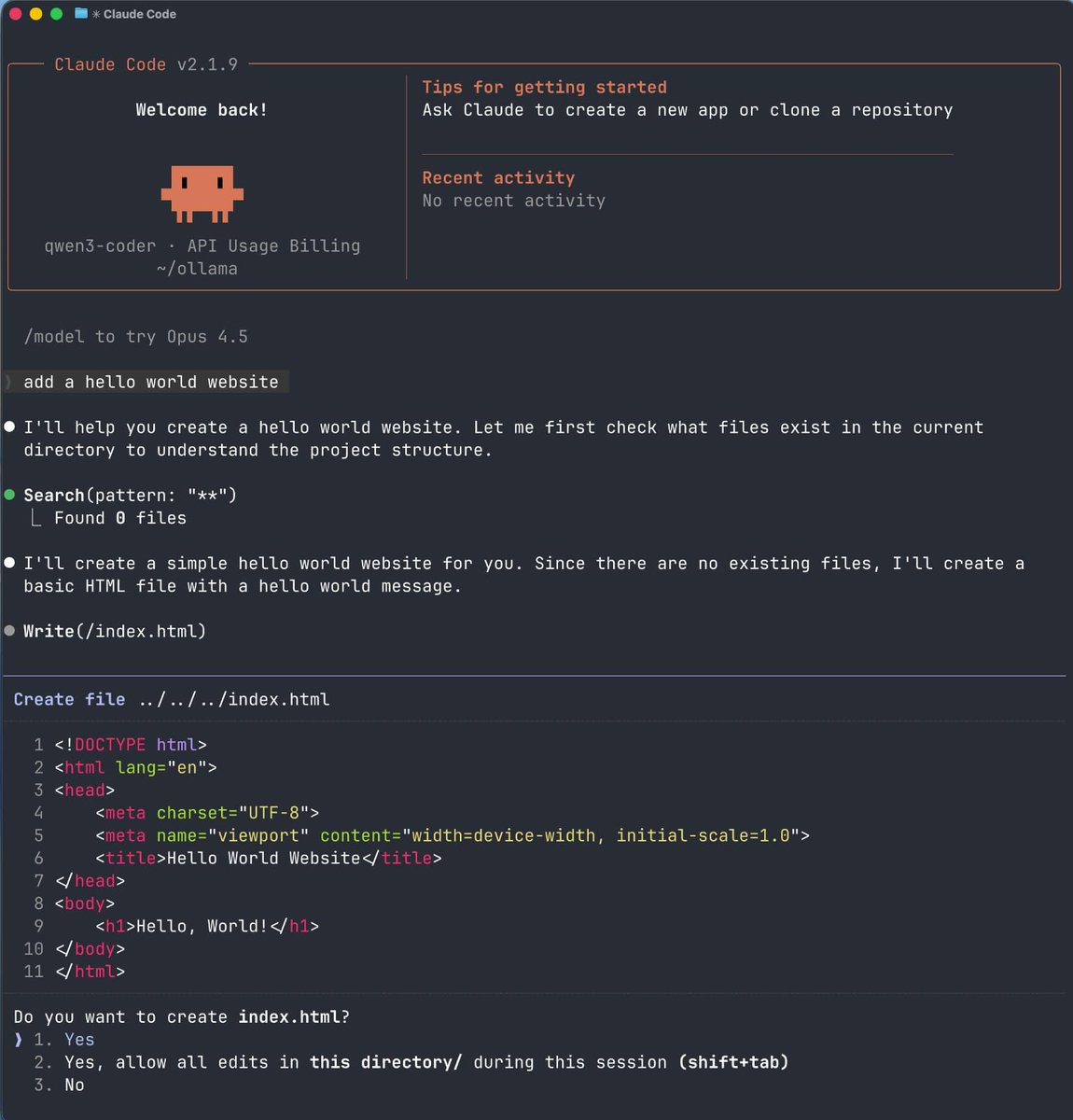
Start the model by running: ollama run deepseek-coder (or ollama run codellama). This launches the model, making it ready to accept prompts in your terminal.
You can now interact with the model. For example, navigate to your project folder and ask it to explain a repository, refactor a function, write unit tests, debug an error, or generate documentation. Since it runs locally, you can paste entire files without worrying about API limits or costs.