Zero-Cost GCP VM for Lightweight AI Workflows: An 8-Step Configuration Guide
A detailed, step-by-step guide to deploying a permanently free e2-micro virtual machine on Google Cloud Platform, optimized for running bots, lightweight APIs, and automation scripts without incurring costs.
Practical Summary
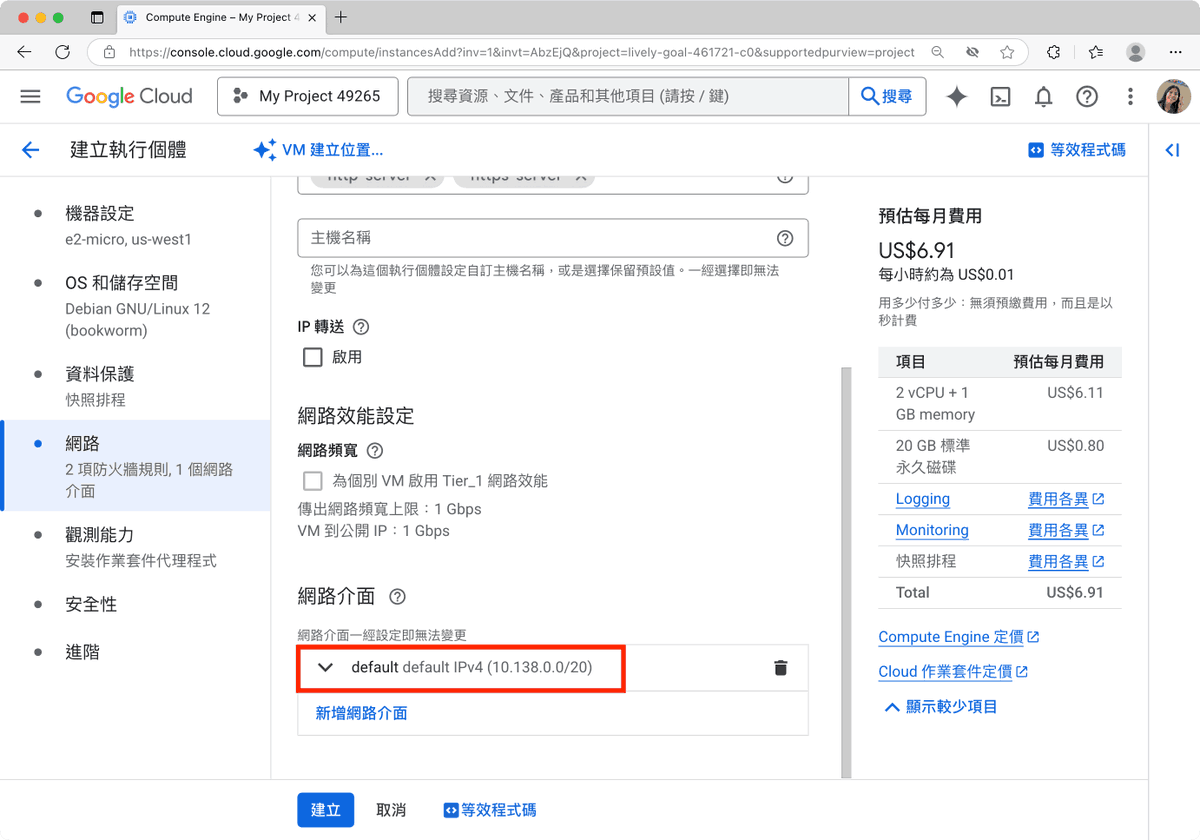
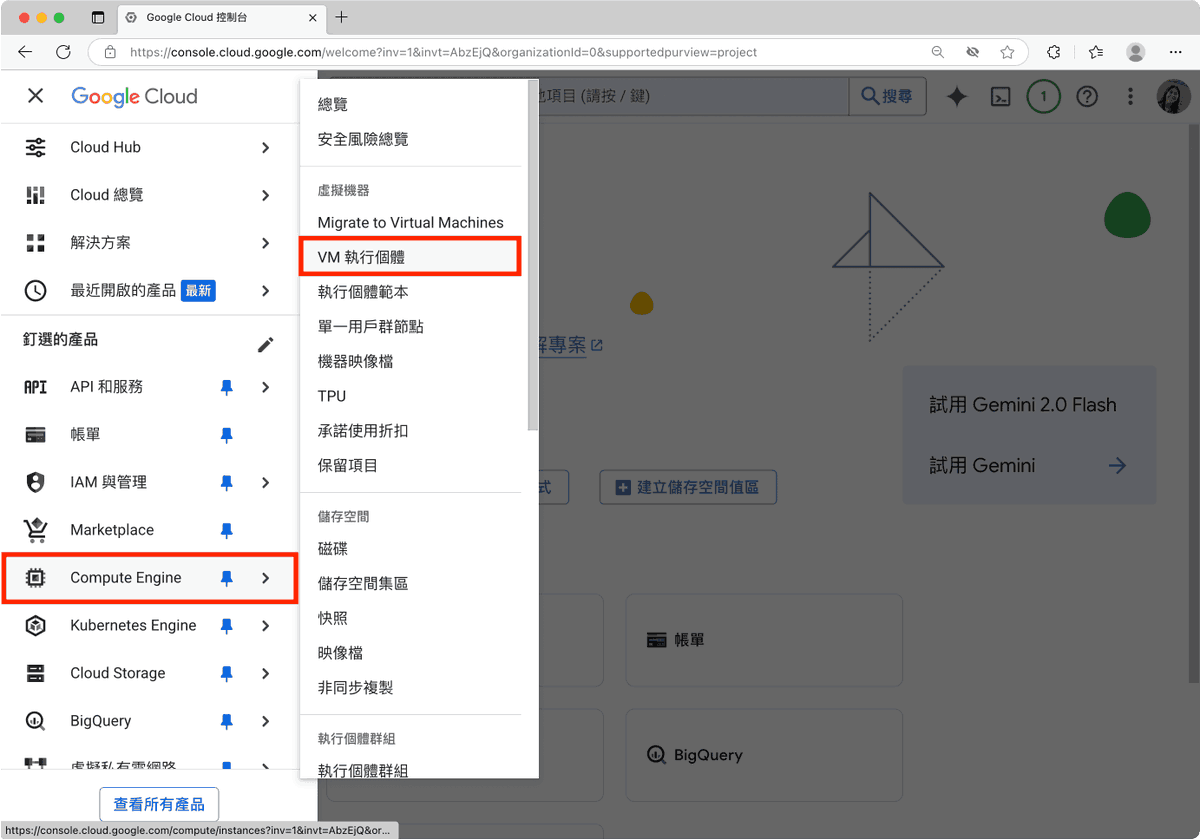
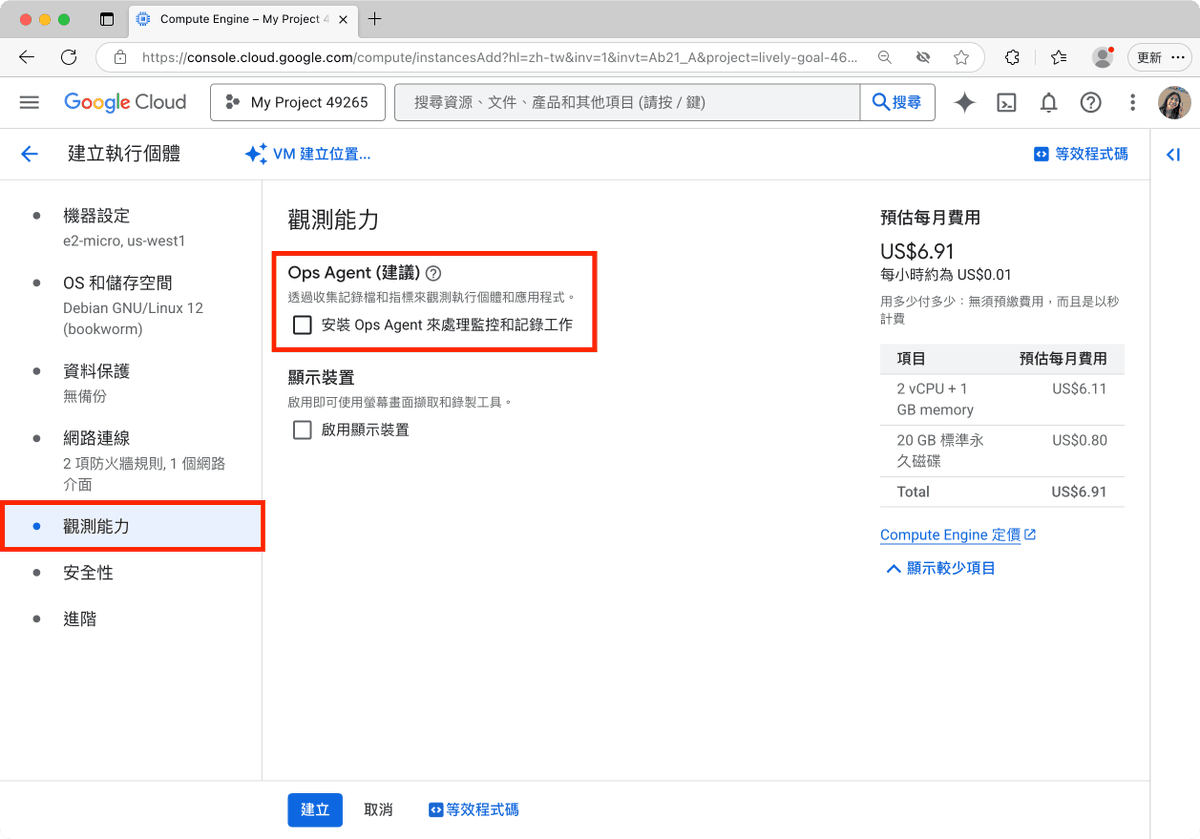
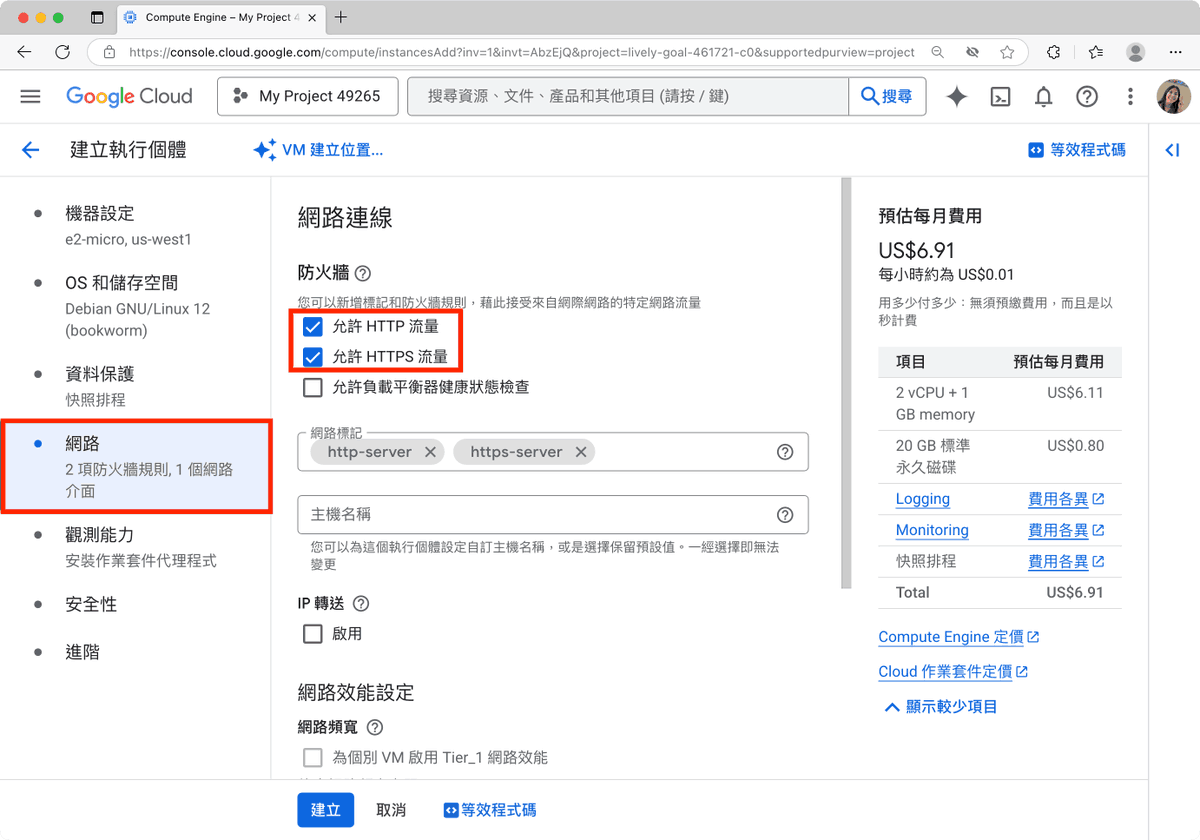
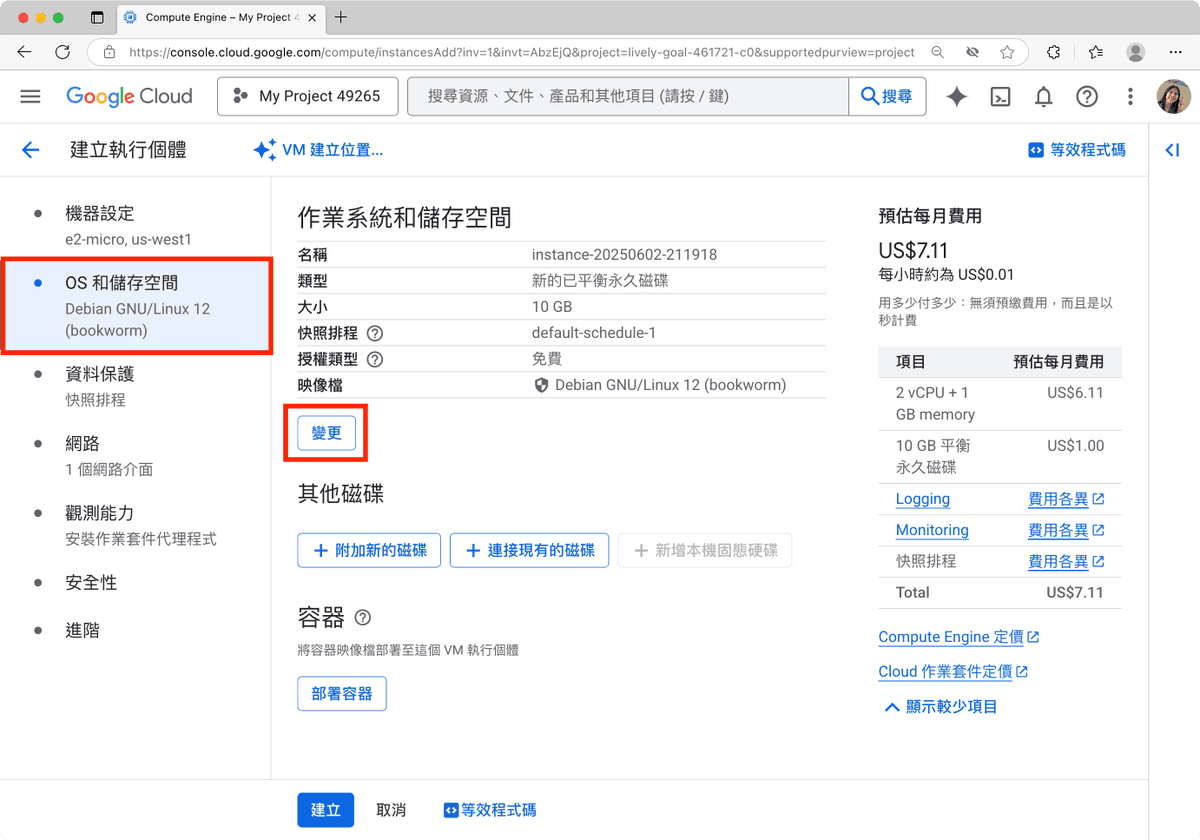
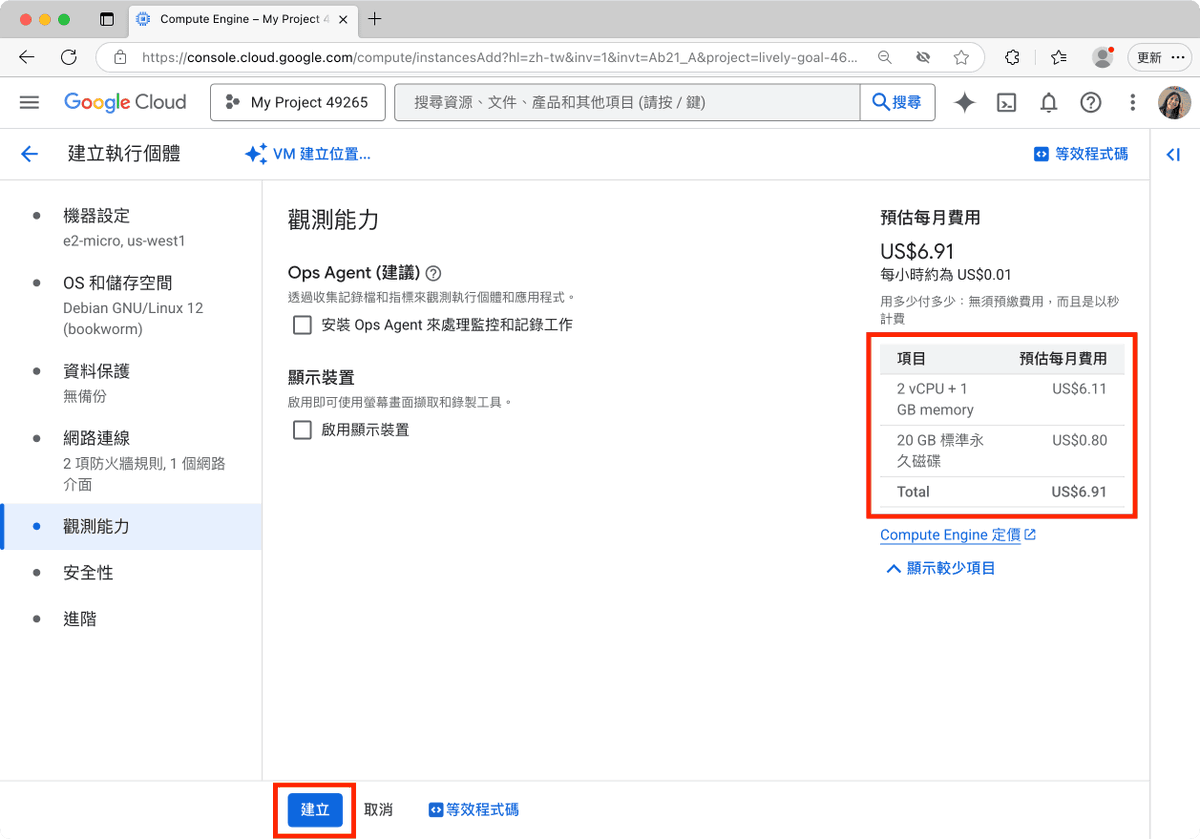
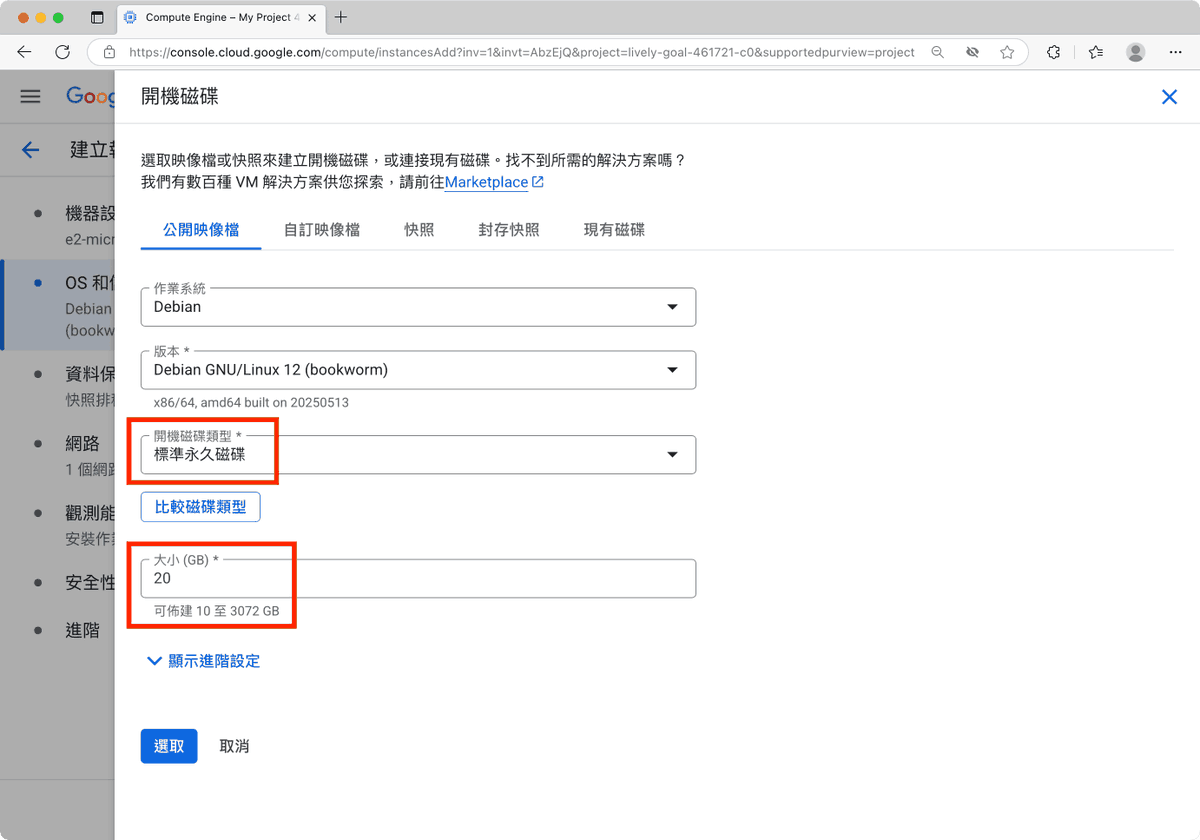
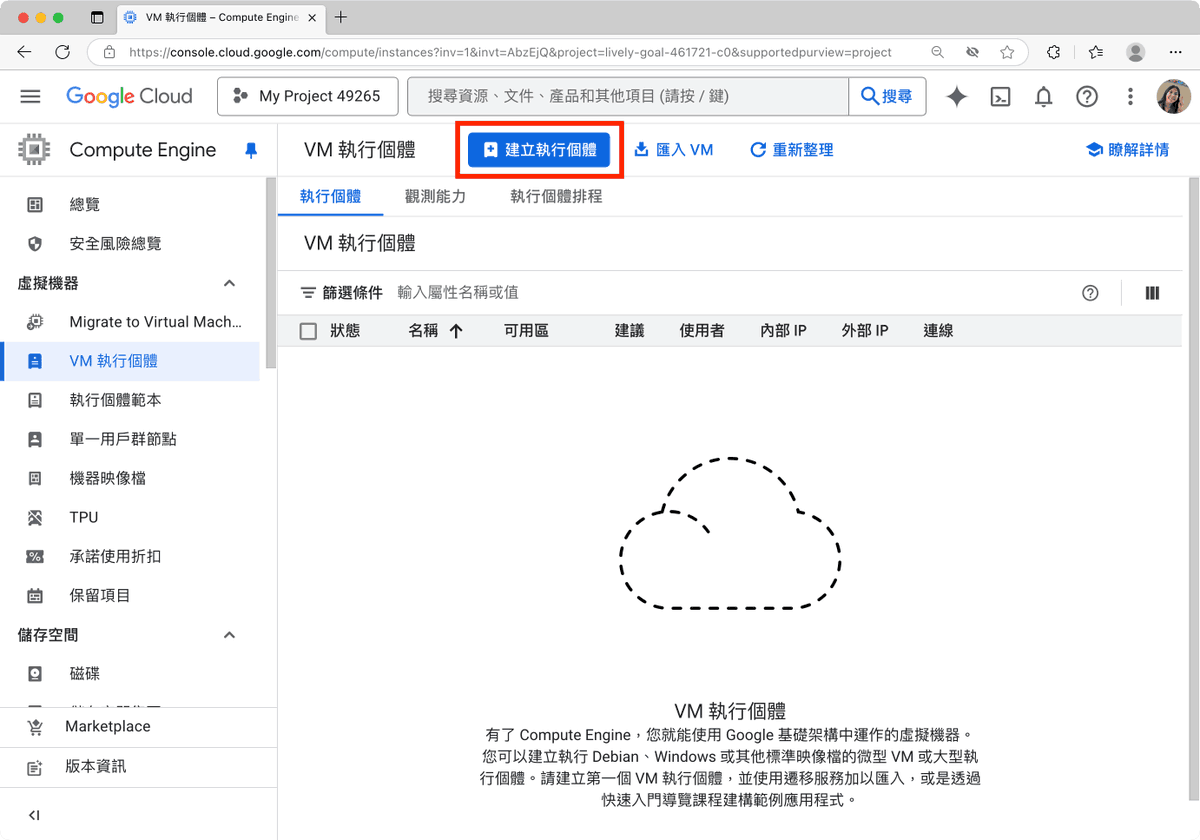
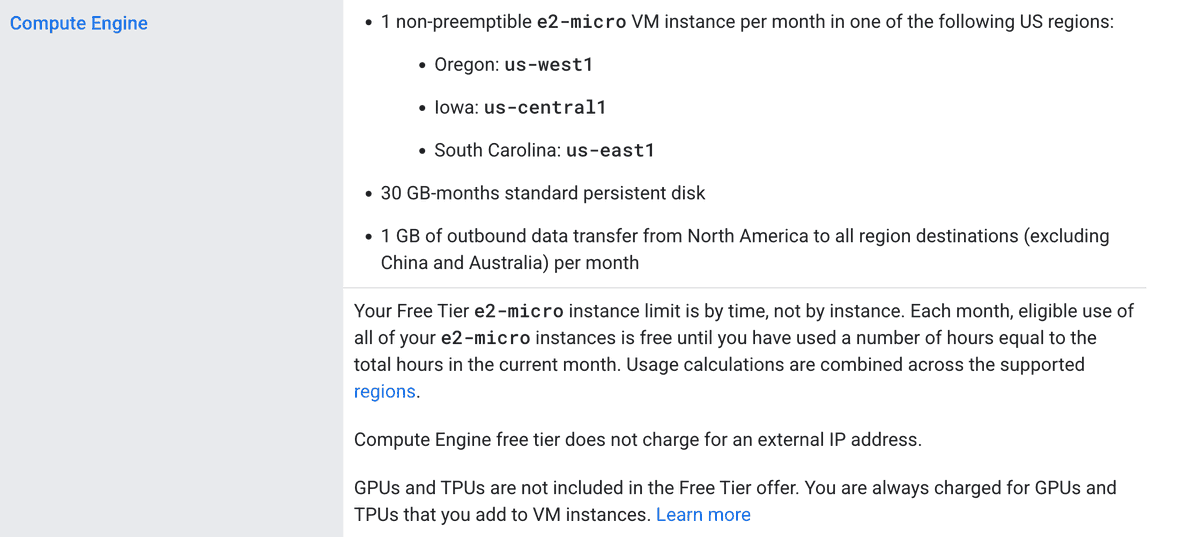
This guide provides a reproducible 8-step workflow to configure a GCP Compute Engine instance (e2-micro) for permanent free use. Key configuration changes (e.g., selecting e2-micro machine type, Standard persistent disk, Standard network tier) are critical to avoid billing. The setup includes 30GB disk and 1GB monthly outbound data egress. It explicitly lists suitable workloads (Telegram/Discord bots, lightweight APIs, automation scripts) and unsuitable ones (high-traffic sites). A final, practical step is setting a $1 budget alert in GCP to receive email notifications if any configuration error leads to unexpected charges, serving as a safety net for cost optimization.
Why It Matters
This workflow directly addresses a core need for developers and small teams: establishing a cost-effective, always-on infrastructure for prototyping and running low-demand AI services (e.g., inference endpoints, data collection scripts, bot backends). By following these steps, teams can host foundational AI workflow components for free, eliminating a common barrier to experimentation and operation. The emphasis on specific settings and the budget alert provides a guardrail against cost overruns, making it a valuable, actionable resource for practical AI deployment and cost management.